

Streamlining Internal Operations with Custom Web Applications
Streamlining internal operations with custom web application development is the process of building tailored software to automate tasks, integrate systems, and centralize data. This guide covers how to map workflows, deploy MVPs, and build real-time dashboards. It provides a strategic framework for businesses seeking to replace fragmented tools with a unified digital backbone.
Process Automation
Process automation is the use of technology to perform repetitive tasks with minimal human intervention. In a custom web application, this means moving data between systems, triggering notifications, and generating reports automatically. Manual entry is a primary source of operational friction and error. By automating these steps, teams can focus on high-value strategic work rather than data entry.
Identifying Automation Candidates
Start by identifying tasks that are rule-based and frequent. Examples include invoice processing, user onboarding, and status updates. If a task follows a predictable pattern, it is a strong candidate for automation. Custom software allows you to define these rules precisely, ensuring consistency across the organization.
Building the Automation Layer
When building a custom web app, the automation layer should be modular. This allows you to add or modify workflows without rewriting the entire system. MEDL Mobile’s engineering teams often design these systems to be scalable, ensuring that as your business grows, the automation logic can handle increased volume without degradation in performance.
Workflow Integration
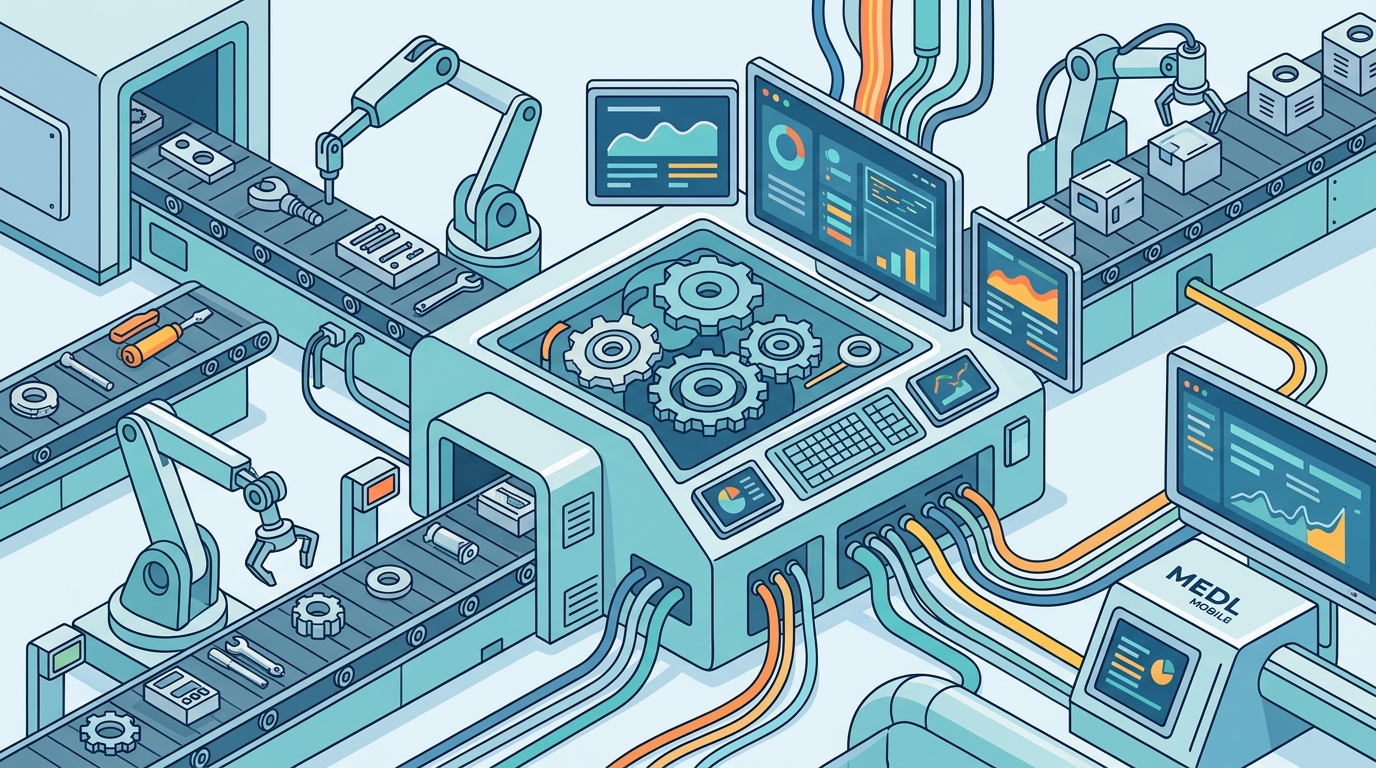
Workflow integration is the connection of disparate software tools into a cohesive operational system. Most businesses rely on a stack of third-party applications that do not communicate with each other. This creates silos where data is trapped and processes are fragmented. A custom web application acts as a central hub, bridging these gaps and ensuring a seamless flow of information.
Breaking Down Silos
Fragmented systems force employees to switch between multiple interfaces, increasing cognitive load and reducing productivity. Integration eliminates this friction by providing a single point of interaction. When your CRM, project management tool, and financial software are integrated, data updates in one system are instantly reflected in the others.
API-First Architecture
Modern custom web applications are built with an API-first approach. This means the application is designed to communicate with other systems through standardized interfaces. This architecture ensures that your custom solution can easily connect to existing enterprise tools or future technologies, protecting your investment and maintaining flexibility.
Centralized Data Access
Centralized data access is the consolidation of information from various sources into a single, secure repository. When data is scattered across spreadsheets, local drives, and different cloud platforms, it becomes difficult to find and verify. A custom web application provides a unified interface where authorized users can access all relevant data in one place.
Single Source of Truth
Establishing a single source of truth is critical for operational efficiency. It ensures that every department is working with the same data, eliminating discrepancies and version control issues. This is particularly important for teams that rely on real-time information to make decisions. Centralization reduces the time spent searching for information and increases confidence in the data’s accuracy.
Security and Compliance
Role Based Dashboards
Role based dashboards are customized user interfaces that display specific data and actions relevant to a user’s job function. A one-size-fits-all interface is often overwhelming and inefficient. By tailoring the dashboard to the user’s role, you ensure that they see only the information they need to perform their tasks effectively.
Designing for User Roles
Begin by defining the key roles within your organization, such as managers, analysts, and field staff. Each role has different priorities and data requirements. For example, a manager may need a high-level overview of KPIs, while an analyst may need detailed raw data. Custom development allows you to build distinct views for each role, improving usability and reducing training time.
Dynamic Data Presentation
Role based dashboards should be dynamic, updating in real-time as data changes. This ensures that users always have the most current information. MEDL Mobile’s UI/UX designers focus on creating intuitive interfaces that present complex data in a clear and actionable format. This reduces the learning curve and encourages adoption across the organization.
MVP Deployment Strategy
An MVP, or Minimum Viable Product, is the most basic version of a product that allows a team to collect validated learning from real users. In the context of internal operations, an MVP is a streamlined version of your custom web application that addresses the most critical pain points. Deploying an MVP allows you to test your assumptions and gather feedback before investing in full-scale development.
Defining the Core Value
Iterative Development
Once the MVP is deployed, gather feedback from your users. Identify what works and what needs improvement. Use this feedback to guide the next iteration of the application. This iterative approach ensures that the final product is aligned with actual user needs. It also allows you to spread development costs over time, making the project more manageable.
Workflow Mapping
Workflow mapping is the visual representation of the steps involved in a business process. Before building a custom web application, it is essential to understand how your current processes work. Mapping your workflows helps you identify bottlenecks, redundancies, and areas for improvement. It provides a clear blueprint for what the new application needs to do.
Documenting Current State
Start by documenting your existing processes in detail. Include every step, decision point, and handoff. This may seem tedious, but it is crucial for identifying inefficiencies. Often, teams are unaware of how many manual steps are involved in a seemingly simple process. Mapping reveals these hidden complexities and provides a baseline for measuring improvement.
Designing the Future State
Use your workflow maps to design the ideal future state. Identify steps that can be automated, eliminated, or streamlined. This future state becomes the functional specification for your custom web application. It ensures that the software is built to solve real problems, rather than just digitizing existing inefficiencies. MEDL Mobile’s strategic planning services often begin with this type of deep-dive analysis to ensure the final product delivers maximum value.
Data Integration
Data integration is the process of combining data from multiple sources into a unified view. In a custom web application, data integration is not just about connecting systems; it is about transforming and harmonizing data so that it is usable and meaningful. This involves cleaning, validating, and structuring data from various formats and sources.
ETL Processes
Extract, Transform, Load (ETL) processes are the backbone of data integration. These processes extract data from source systems, transform it into a consistent format, and load it into your central database. Robust ETL pipelines ensure that your data is accurate and up-to-date. They also handle errors and exceptions, ensuring that data quality is maintained over time.
Real-Time vs. Batch Processing
Depending on your needs, you may choose between real-time and batch processing for data integration. Real-time processing is suitable for applications that require immediate data updates, such as inventory management or financial trading. Batch processing is more efficient for large volumes of data that do not need to be updated instantly. A well-designed custom application can support both approaches, allowing you to optimize for performance and cost.
Real Time Dashboards
Real time dashboards are visual interfaces that display data as it is generated or updated. They provide immediate visibility into operational metrics, allowing teams to make informed decisions quickly. In a custom web application, real time dashboards are powered by live data feeds and efficient data processing pipelines. They are essential for monitoring performance and responding to changes in real time.
Key Performance Indicators
Select the KPIs that are most critical to your business objectives. These should be metrics that directly impact your bottom line or operational efficiency. Display these KPIs prominently on your dashboard, using clear and concise visualizations. Avoid clutter by focusing on the most important data points. Real time dashboards should be designed to be scanned quickly, allowing users to grasp the overall status at a glance.
Alerts and Notifications
Enhance your real time dashboards with automated alerts and notifications. Configure the system to notify users when a KPI falls outside of a predefined range. This ensures that potential issues are addressed proactively, before they escalate. Alerts can be delivered via email, in-app notifications, or other channels, depending on the urgency and the user’s preferences.
Comparison of Operational Strategies
| Strategy | Primary Benefit | Complexity | Time to Value |
|---|---|---|---|
| Process Automation | Reduces manual effort and errors | Medium | Medium |
| Workflow Integration | Eliminates data silos | High | Long |
| Centralized Data Access | Improves data visibility and security | Medium | Medium |
| Role Based Dashboards | Enhances user experience and adoption | Low | Short |
| MVP Deployment | Reduces risk and accelerates learning | Low | Short |
Key Takeaways
- Custom web applications are the most effective way to streamline internal operations by addressing specific business needs.
- Process automation reduces manual effort and minimizes the risk of human error in repetitive tasks.
- Workflow integration breaks down data silos and creates a seamless flow of information across your technology stack.
- Centralized data access provides a single source of truth, improving data accuracy and security.
- Role based dashboards tailor the user interface to specific job functions, enhancing usability and adoption.
- An MVP deployment strategy allows you to test your assumptions and gather feedback before full-scale development.
- Workflow mapping is a critical first step in identifying inefficiencies and designing an effective solution.
- Real time dashboards provide immediate visibility into operational metrics, enabling proactive decision-making.
Frequently Asked Questions
How long does it take to develop a custom web application for internal operations?
The timeline depends on the complexity of the project. An MVP can be deployed in a few weeks, while a full-scale application may take several months. Working with an experienced agency like MEDL Mobile can help you establish a realistic timeline based on your specific requirements.
Is custom development more expensive than off-the-shelf software?
Custom development typically has a higher initial cost than off-the-shelf software. However, it offers greater long-term value by fitting your exact needs and avoiding unnecessary features. Over time, the efficiency gains and reduced licensing costs can make custom development more cost-effective.
Can a custom web application integrate with our existing software?
Yes, custom web applications are designed to be highly integrable. Using an API-first architecture, they can connect with most modern software systems. This allows you to build a cohesive operational ecosystem without replacing your existing tools.
What is the role of data security in custom web application development?
Data security is a fundamental aspect of custom web application development. It involves implementing encryption, access controls, and regular security audits. A centralized custom application allows for more robust security management compared to multiple disparate systems.
How do we ensure user adoption of a new internal web application?
User adoption is driven by usability and perceived value. By involving users in the design process and creating role based dashboards, you can ensure that the application meets their needs. Providing adequate training and support is also crucial for successful adoption.
What is the difference between a custom web application and a mobile app?
A custom web application is accessed via a web browser and is typically used on desktops and laptops. A mobile app is installed on a smartphone or tablet. Many businesses use a combination of both, with the web application serving as the central hub and the mobile app providing on-the-go access to key features.
Conclusion
Streamlining internal operations with custom web application development is a strategic investment that yields significant returns in efficiency, accuracy, and scalability. By focusing on process automation, workflow integration, and centralized data access, you can build a digital backbone that supports your business growth. MEDL Mobile, with over 15 years of experience in digital product development, is well-positioned to help you navigate this journey. Our team of engineers and designers works closely with you to understand your unique challenges and deliver a solution that truly fits your needs. To begin your transformation, to discuss your project.